How a Long Island home services company can follow up on every quote with AI
A made-up example shows the full chain: AI drafts the quote, the owner approves it, reminders go out on day 2 and day 5, and everything stops the moment the customer replies.
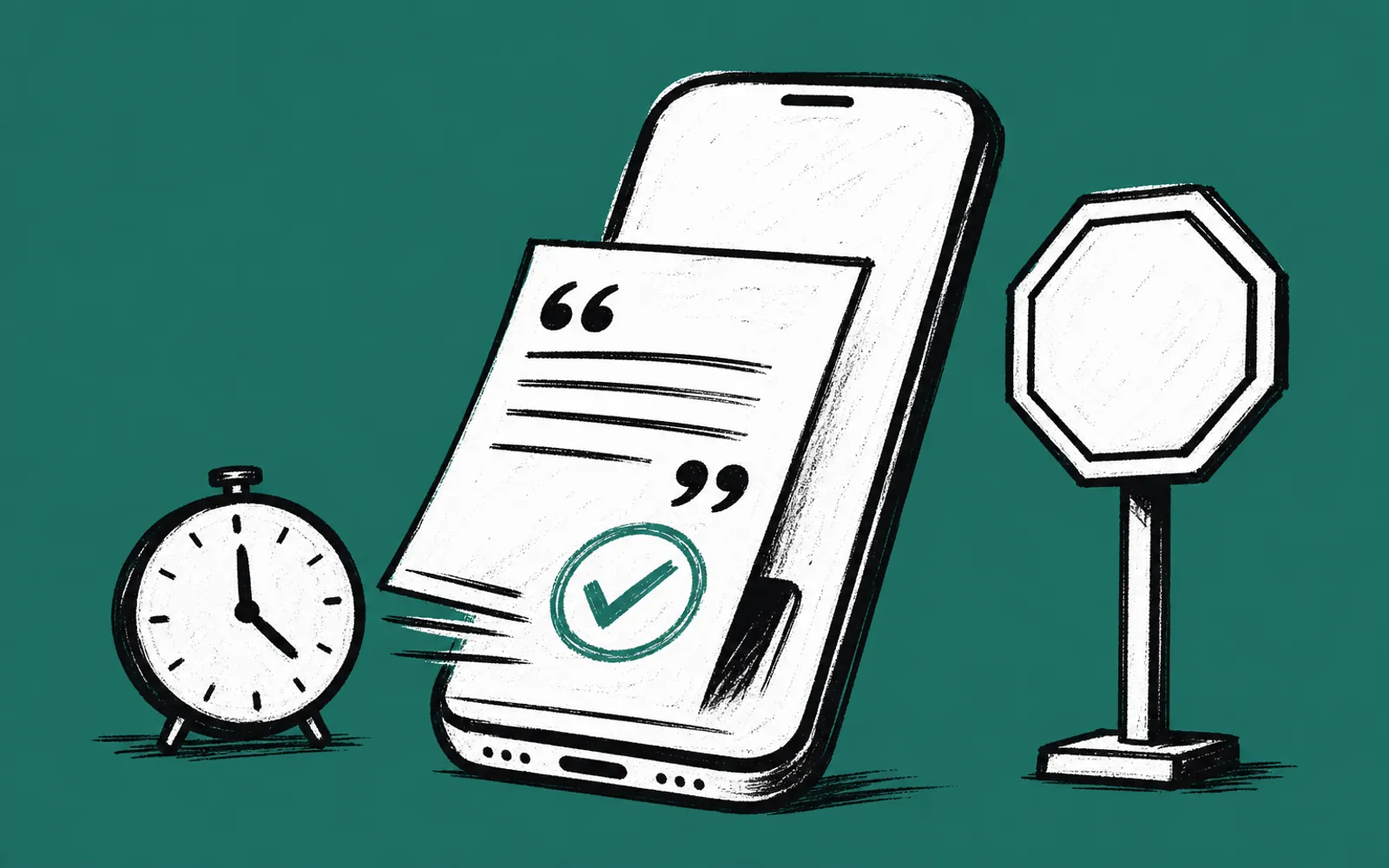
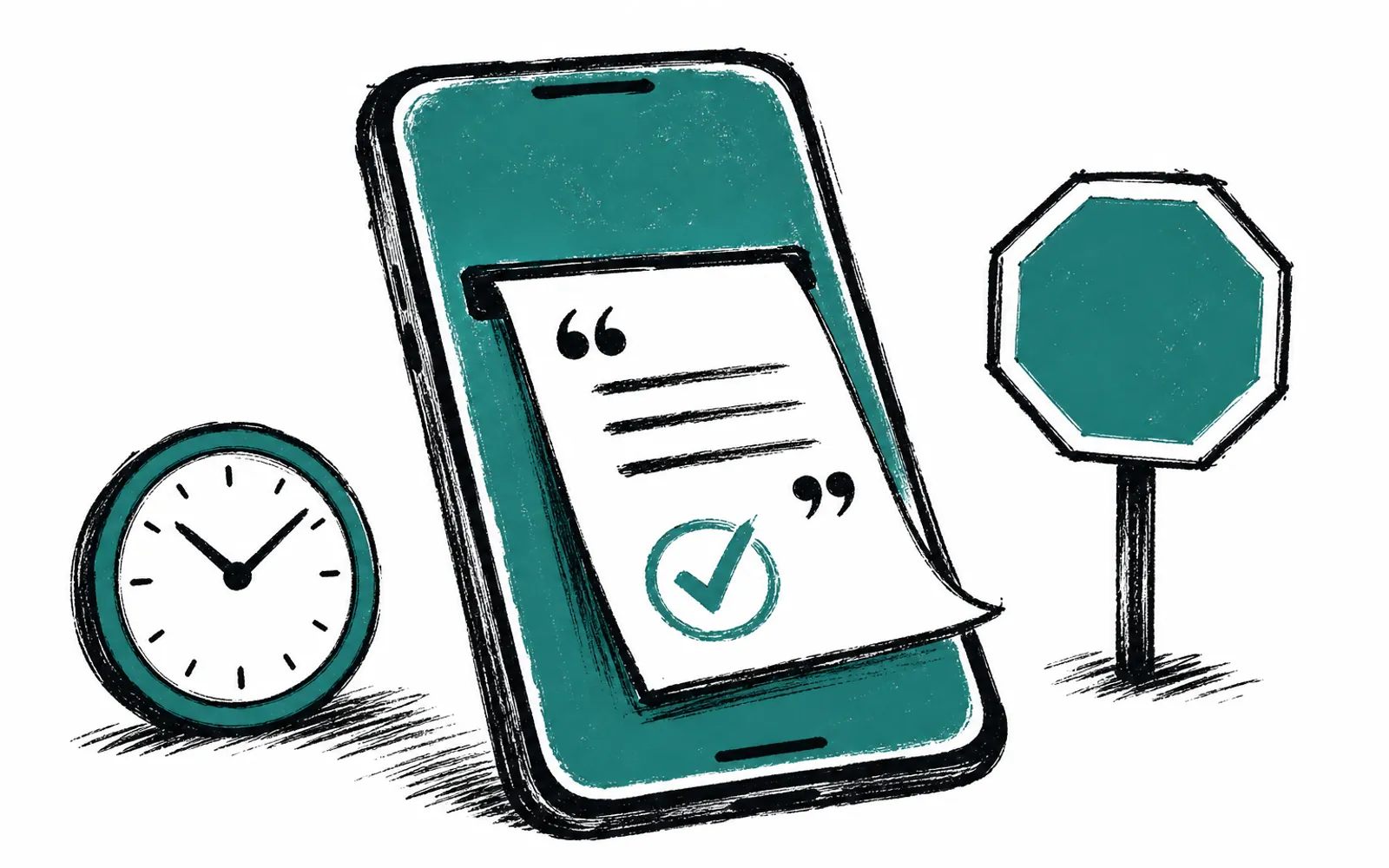
This guide follows a made-up example company, a fictional home services outfit working across Nassau and Suffolk counties. By the end you will be able to picture, and start building, a follow-up chain where AI reads an incoming quote request, drafts the quote using the owner's pricing rules, the owner approves with one look, and reminders go out on day 2 and day 5 and stop the moment the customer replies. Before starting, you need one AI subscription, such as ChatGPT or Claude, paid directly in your own account, and a way to send texts and emails to customers. You do not need a developer or a new platform to get the first version running.
Why the owner approves what matters
The pattern that works for small companies is simple: AI does the drafting, the owner does the approving. In the example chain, nothing leaves the building, so to speak, until the owner has looked at it. That single rule is what makes the setup safe enough to actually run. The AI never sends a quote on its own. It reads the request, applies the pricing rules the owner wrote down once, and hands over a draft. The owner reads it, fixes anything that looks off, and taps approve. The rest of the chain, the follow-ups, then runs on a schedule without anyone remembering to do it.
The other principle is ownership. Everything in this chain lives in the company's own accounts: the AI account, the texting and email tools, and any notes about pricing rules. If the owner ever stops working with any outside helper, the setup keeps running, because it was built in tools the company pays for directly.
The chain, step by step
- 01Write down your pricing rules
Open a plain document and list your rules: typical job types, price ranges, materials markup, travel considerations for Nassau and Suffolk jobs, and anything you always include or never promise.
- 02Put the rules where your AI can read them
Save that document in your own AI account so the assistant can use it as context when it drafts. This is a file you own and can edit whenever your pricing changes.
- 03Paste in the customer request
When a quote request arrives, copy the request into the AI chat and ask for a draft quote based on your rules. The AI returns a draft in minutes, with the job details and a price range drawn from your document.
- 04Approve or fix the draft
Read the draft as the owner. Correct anything the AI got wrong about the job or the price, then approve it. Nothing goes out until this step is done.
- 05Send it by text and email
Send the approved quote to the customer through the texting and email tools you already use, in accounts you own.
- 06Schedule the day 2 follow-up
Set a reminder for two days after sending. A short note asking whether the customer has questions about the quote is enough.
- 07Schedule the day 5 follow-up
Set a second reminder for five days after sending, in case the first one got no reply. Keep it short and polite.
- 08Stop the chain when the customer replies
When the customer answers on either day, cancel the remaining reminders. The whole point is that the chain stops at the first reply, so nobody gets chased after they have already responded.
- 09Have AI draft the follow-ups too
Before the first follow-up goes out, ask the AI to draft the reminder messages from the quote. Read them once, approve them, and reuse them for every future job.
Where this usually stalls
The first stall is the pricing rules. Owners often skip step one because writing the rules down feels like a chore, then wonder why the AI drafts quotes that need heavy editing. The fix is to start small. Write rules for your two or three most common job types only. The drafts will be usable for those jobs immediately, and you can add more job types later.
The second stall is the stop condition. If the day 2 and day 5 reminders do not clearly stop when a customer replies, customers on Long Island will notice, and the chain becomes a nuisance rather than a help. The fix is to treat the reply as the off switch. Whoever answers the customer cancels the remaining reminders the same day, every time.
The third stall is overbuilding. It is tempting to jump straight to automations that read the inbox, file the customer and send everything without a human in the loop. Those bigger builds, such as connecting the chain to a CRM or running it through a hosted agent, need real scoping before anything starts. At New York AI Lab, bigger builds like API connections, CRM integrations, hosted agents and dashboards are scoped and quoted separately before work begins. The hand-approved version above is what to build first, and it can run for months before you decide you need more.
Where a hand on the rope helps
Everything above can be done on your own with one AI subscription and the tools you already pay for. Where we come in is the setup and the staying power. With AI Concierge, one of our people learns your business, holds two 1-hour working calls a month on real tasks like this one, answers voice messages and email between calls with no limit on questions, and helps with small setups such as writing your pricing rules file into your own AI account. Everything built lives in your own accounts and is yours to keep, and we never guarantee savings or revenue. We pick useful work, measure what changed and report honestly. If your whole team needs to run the chain, AI Training for Business covers it in 90-minute sessions built on approved real tasks, with take-home routines and a follow-up check-in.