AI training for your team: what a hands-on session covers and what people leave with
A 90-minute session on Zoom, built on your team's own real work, that ends with routines people can run the next week.
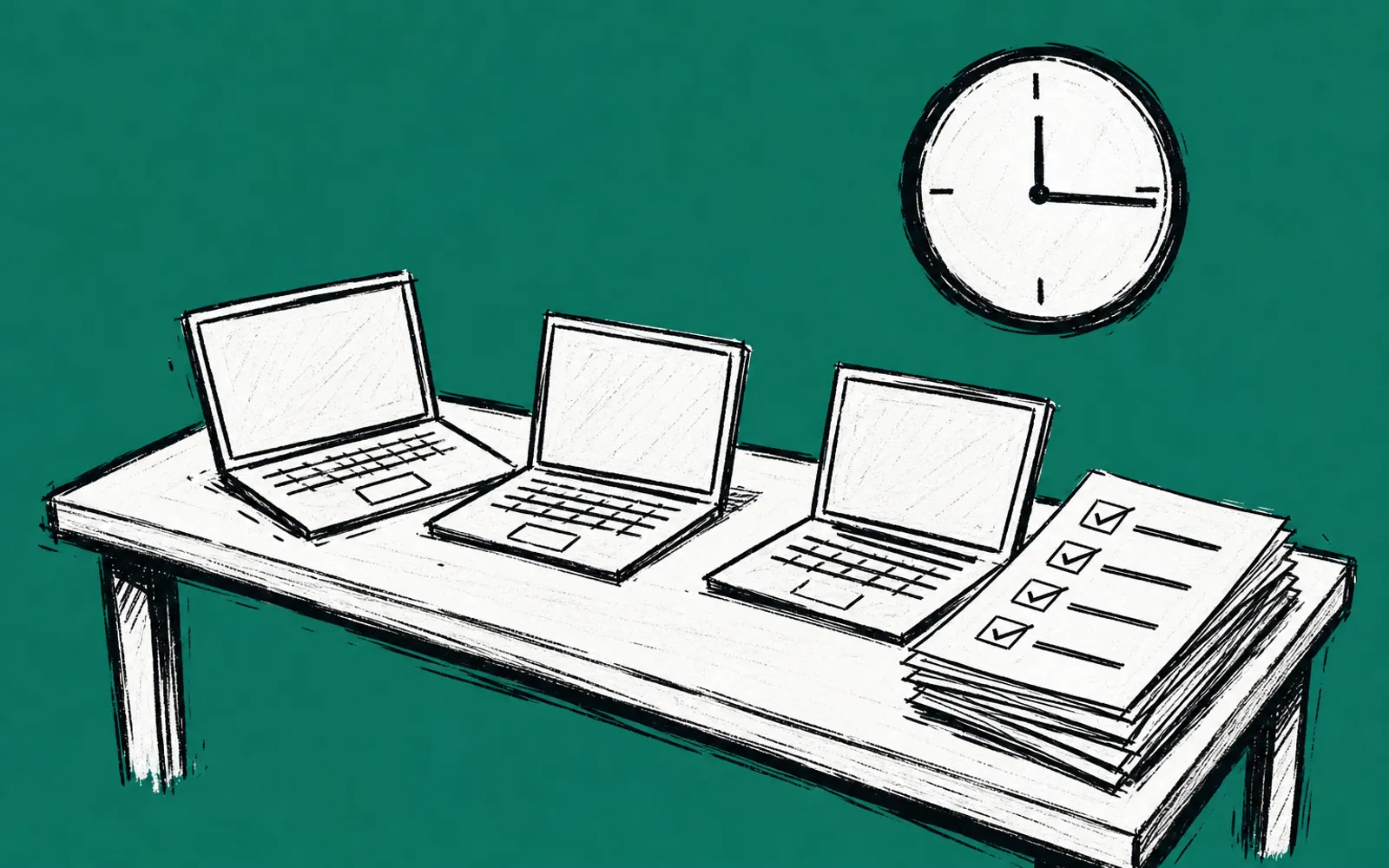
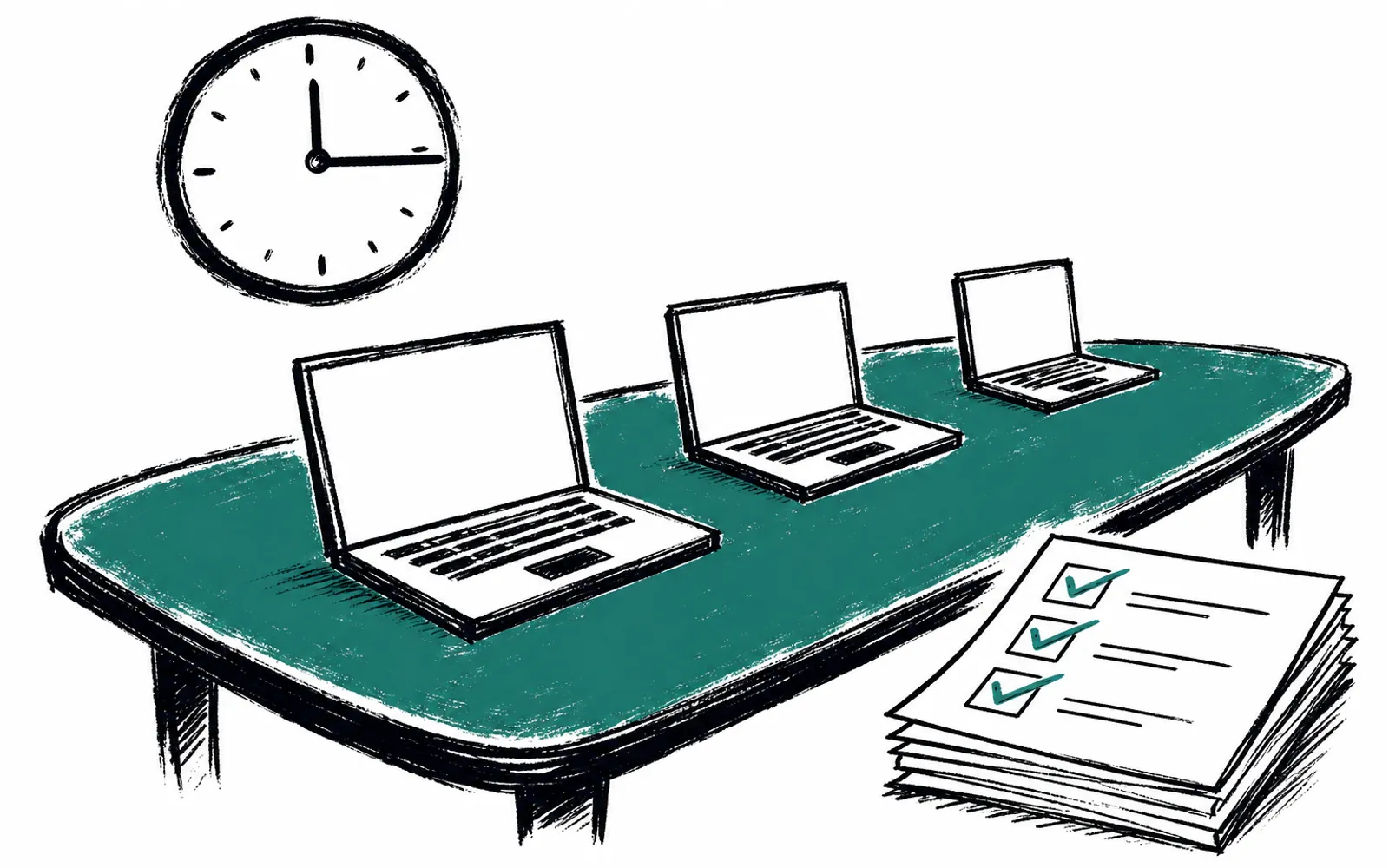
You pay for ChatGPT or Claude each month. You gave the team logins months ago. Then you watch the quiet slide back: quotes drafted by hand, follow-up emails typed from scratch, intake notes taken the old way. Nobody says they quit. The subscription just sits there while the work happens exactly as it did before. A hands-on training session, held on Zoom and built on the team's own approved real tasks, is one direct answer to that. It runs 90 minutes and up.
What the session actually does
Good training is built on the work your people already do. Before anything is scheduled, you describe who is coming, their starting skill and what you want them doing differently. The trainer then sends a plan: an agenda built on two or three of your real tasks, plus the format and what people take home. You approve the tasks first, so nothing sensitive or hypothetical gets pulled into the room.
The session itself is practice, not lecture. The structure is hands on keyboards, fewer slides, and everyone works the same real task start to finish during the call. Because the room is on Zoom, it works the same for a team in Buffalo, a practice in the Hudson Valley or a restaurant group in the city.
A walk through the 90 minutes
- 01Where you are now
The session opens with a short look at what the team already uses and where it stalls.
- 02One real task, start to finish
The group takes an approved task from your actual week and works it end to end with AI.
- 03Everyone practices
Each person runs the task hands on, not a demo watched from the sidelines.
- 04Compare and fix
Results are compared side by side and the prompts and approach are corrected.
- 05Make it a routine
The task is turned into a repeatable routine each person can run again next week.
- 06Questions and next steps
The session closes with open questions and what to do before the follow-up check-in.
Who it fits
This fits owner-led New York businesses: home services, professional services, medical and wellness practices, restaurants, real estate and similar local companies. It works for one owner working alone, a small group or a whole team. It assumes the team does real recurring work worth practicing on, and that the owner can say which tasks matter.
The session works when someone can name the tasks. If you want a general seminar on what AI is, that is a different format with different providers. And if the goal is a large build, such as API connections, CRM integrations, hosted agents or dashboards, that is a separate project, scoped and quoted on its own before anything starts. A training session teaches the skill; it is the practice room, not the build.
What people walk away with
Three things. First, take-home routines: the steps for the practiced task, written so someone can run them the following week without help. Second, safe-use ground rules: what should and should not go into an AI tool in the course of normal work. Third, a follow-up check-in after the session, so the routine gets checked against what actually happened. Any honest trainer will say the same thing we do: no one can guarantee savings or revenue. The team learns a skill, and the results get measured.
How to run a lighter version yourself
You can run a version of this with no outside help. Pick one task that repeats every week. Draft an email reply, a quote response or meeting notes. Write the prompt that does it. Have each person run it live, compare the outputs and fix the prompt together. Write down the final version so it survives past the meeting. The difference a structured session makes is the plan, the ground rules and the follow-up, which are the parts teams tend to skip when they run it alone.
How to book one
We run this kind of training at New York AI Lab. It is called AI Training for Business, and it follows exactly the process described above: you tell us about the room, we send a plan, and the session runs hands on for 90 minutes and up on Zoom. The first step for anything with us is a free 25-minute fit call, which looks at two tasks that repeat in your week and picks a first result worth having. Replies come within one business day. People usually need one AI subscription such as ChatGPT or Claude, paid directly, and any cost is named before anything is bought.